
Inside the “Vehicle Reward” LUA Script:
In contrast to the raw address pokes of a decade ago via memory editing trainers; modern Lua-based mod menus now provide a much more sophisticated framework for accessing a game’s internal functionality. Modern modding frameworks expose a direct interface to the game’s own internal scripting functions allowing the mod menu script to call those functions with the correct parameters, and read the results back out using the same pointers as the game itself. This approach is illustrated well in the relatively small yet informativevehicle_reward.lua script below, whose sole purpose is to cause the current vehicle on which you are sitting to register as your Personal Vehicle (PV).
How to Install and Run the “Vehicle Rewards” Script
The “vehicle rewards” script is not a standalone application – it is a lua script intended for installation with a GTA Online mod menu framework supporting lua scripting (the API calls that the script makes, such as gui.get_tab, scr_function.call_script_function, locals.get_pointer, and script.register_looped are all part of the API of the host menu — they are not part of the script itself). Before installing and using the “vehicle rewards” script, you must first have a compatible lua-scriptable GTA Online mod menu installed and operational.Installation Requirements
- A GTA Online mod menu that allows for the execution of lua scripts. Check your menu’s documentation/api reference to verify that it provides these api calls prior to attempting to run the “vehicle rewards” script.
- The GTA Online freemode script must be running. The “vehicle rewards” script requires both am_mp_vehicle_reward and freemode scripts be active in order to execute properly.
- An active GTA Online session (i.e. not playing in Story Mode and completely loaded into an active online session).
Loading the Script
- Save the “vehicle rewards” lua script file as a .lua file (for example, vehicle_reward.lua), if it is not already in that format.
- Place the “vehicle rewards” lua script file in the directory where your GTA Online mod menu looks for other lua scripts (most commonly some sort of ‘scripts’ subdirectory within the directory tree of your installed menu — consult the documentation for your particular mod menu to determine the correct location).
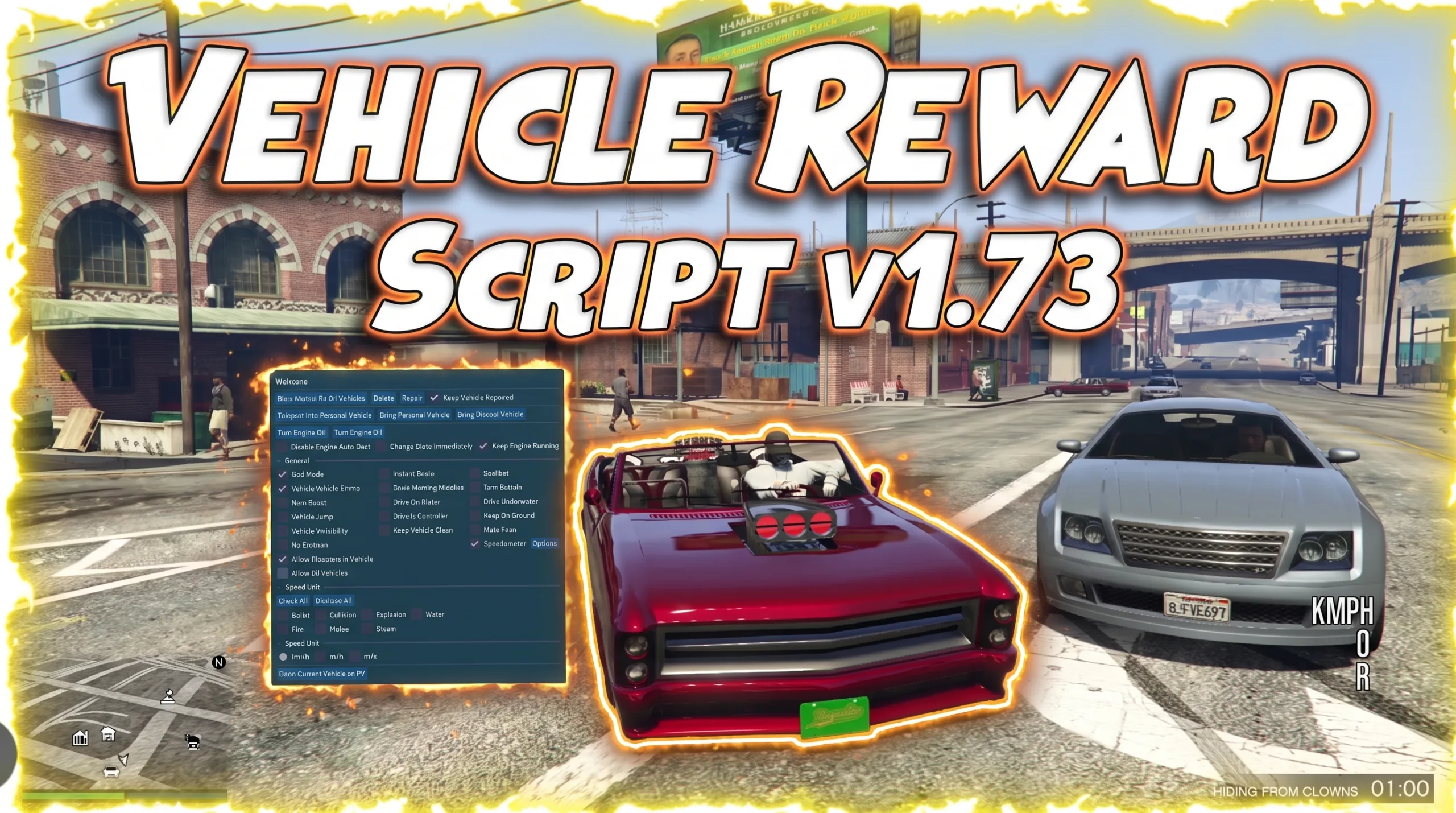
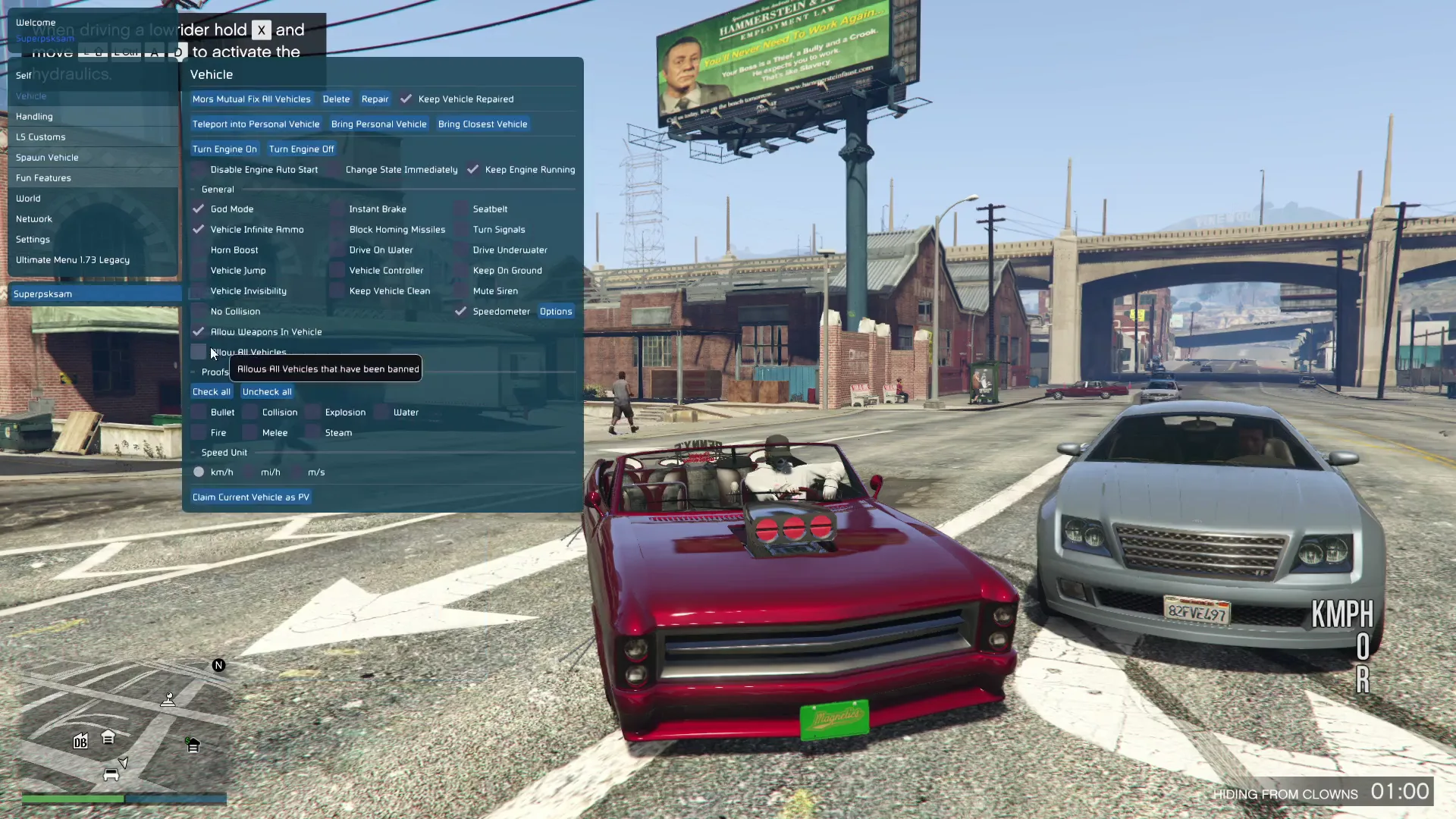
- Open your GTA Online mod menu while in game, and select the “script reload” or “script refresh” option to cause the menu to read through the newly created directory and locate the “vehicle rewards” lua script file. If no errors occur during the reloading process, you should notice a “Vehicle” tab appear somewhere in your GTA Online mod menu (possibly replacing an existing tab) which includes a single button titled “Claim Current Vehicle as PV.”
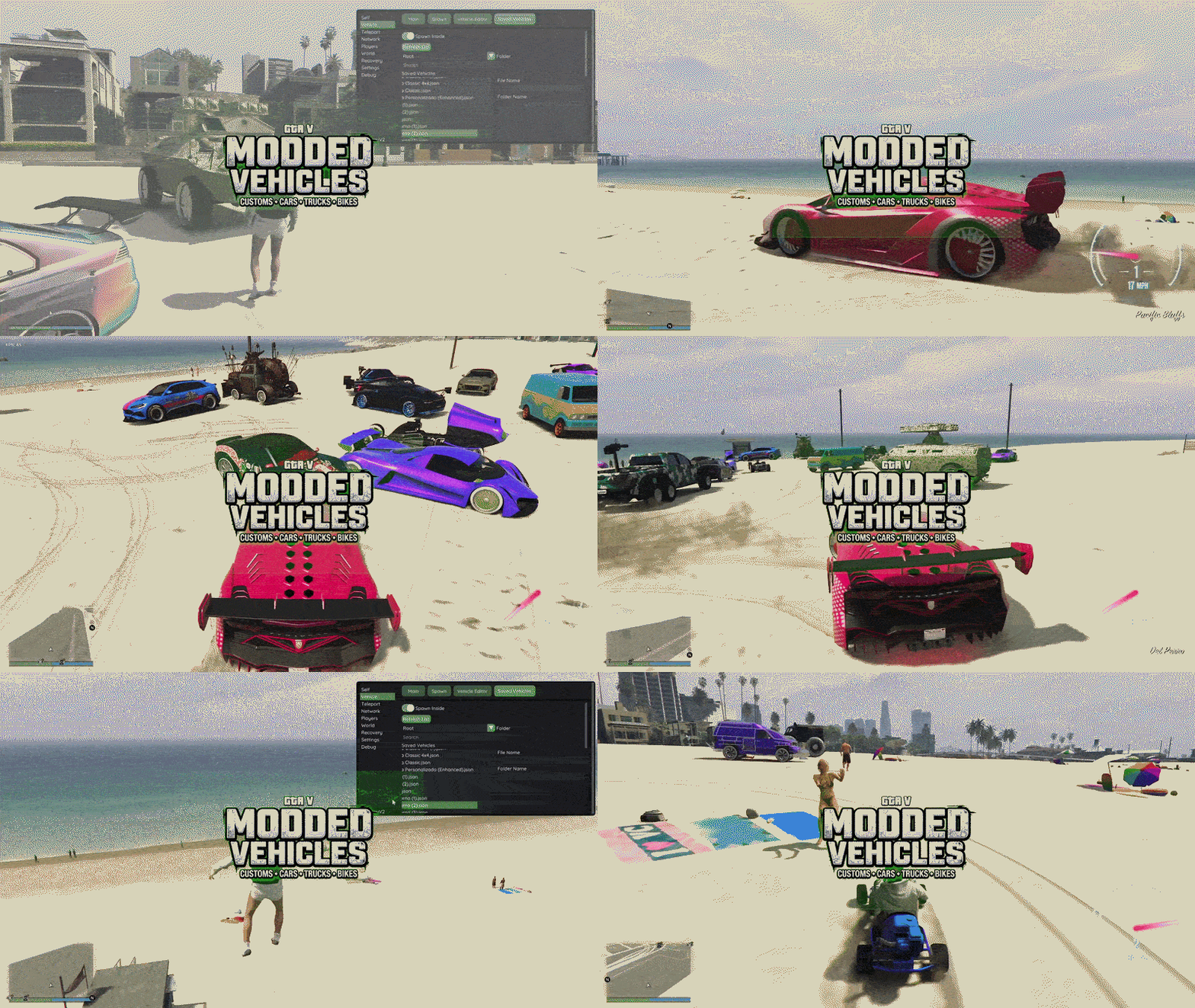
In-Game Screenshots
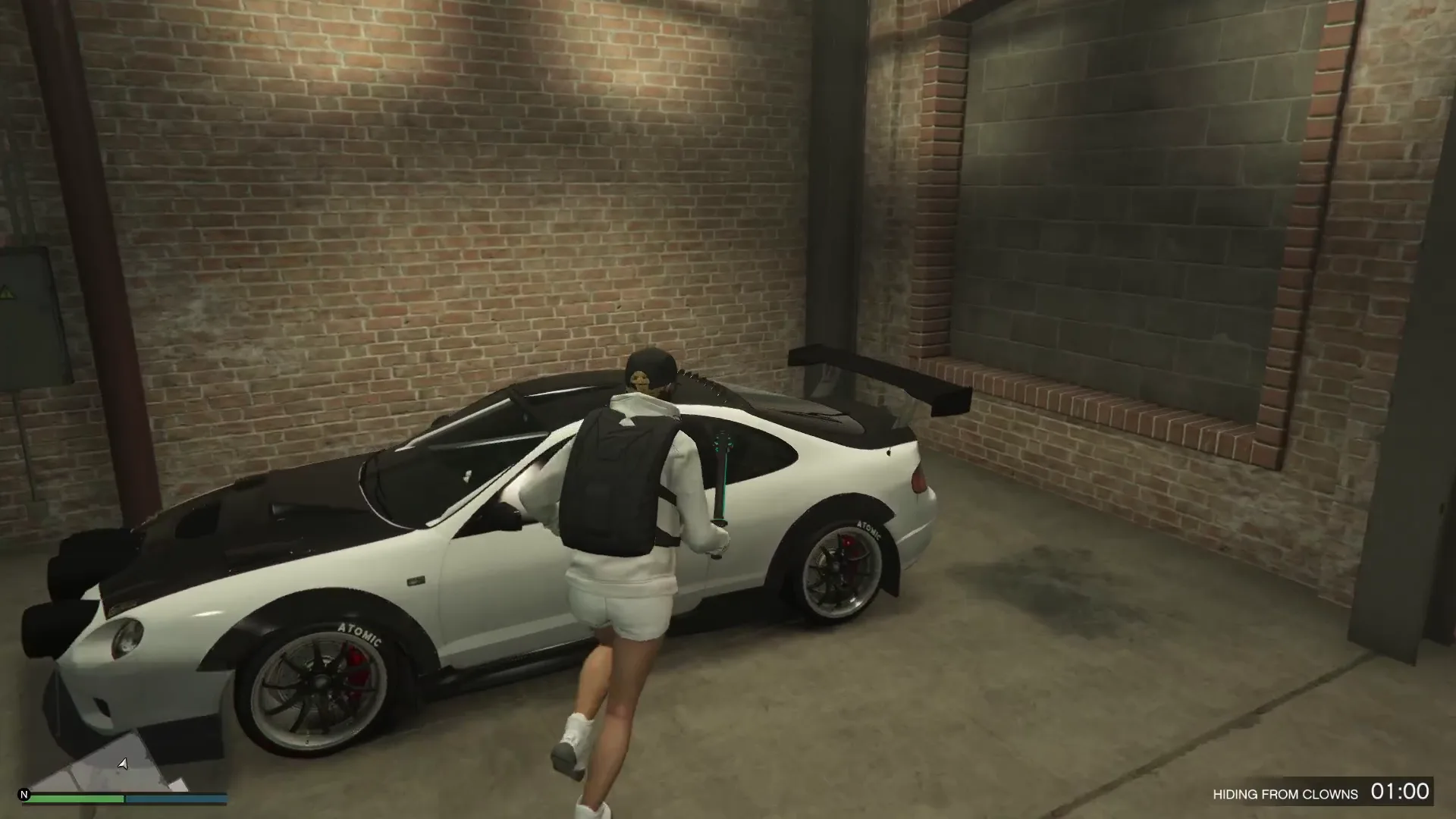
🎬 Video Guide
Using the Feature In Game
- Ensure that you are actively logged in to a GTA Online server.
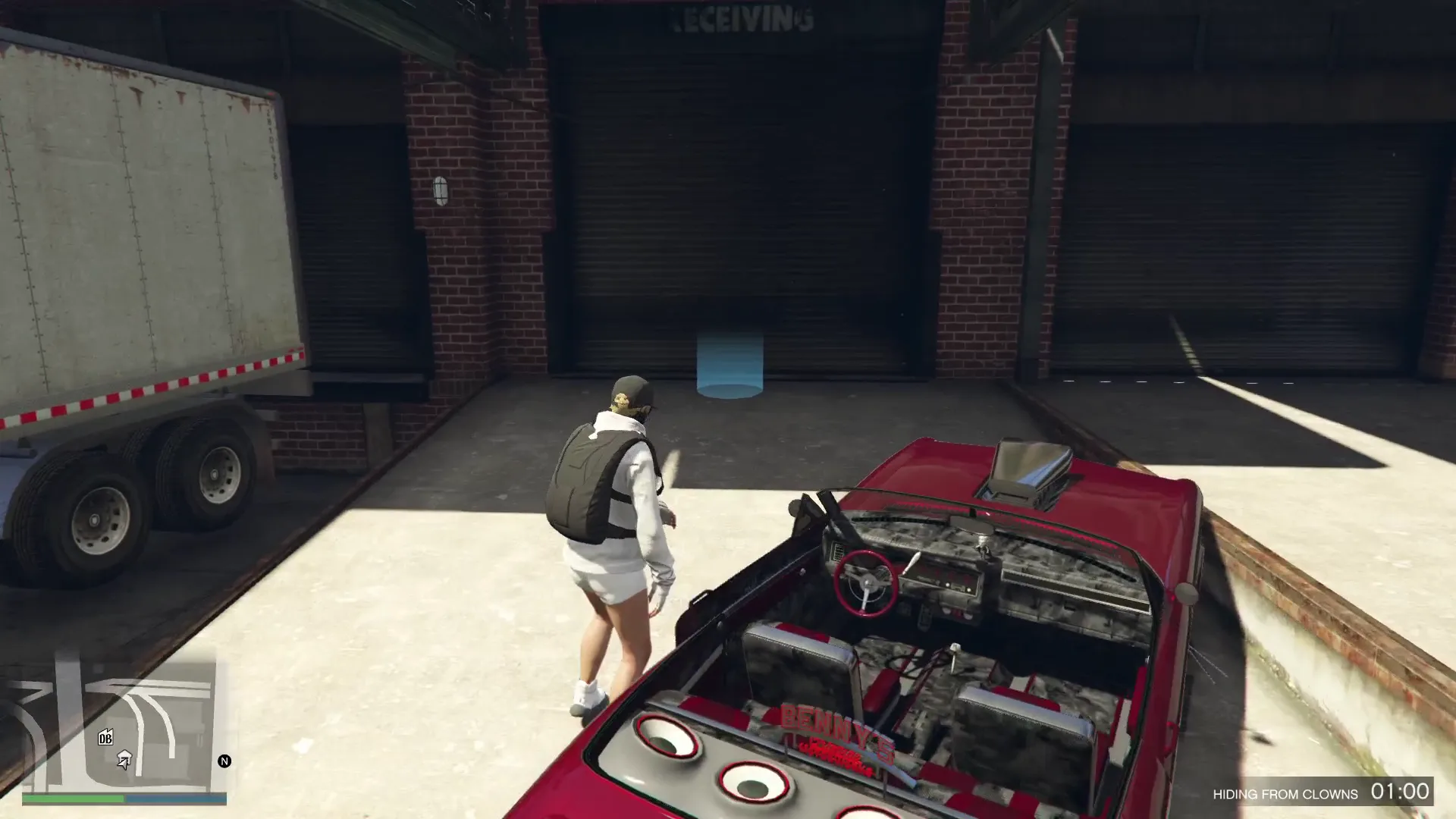
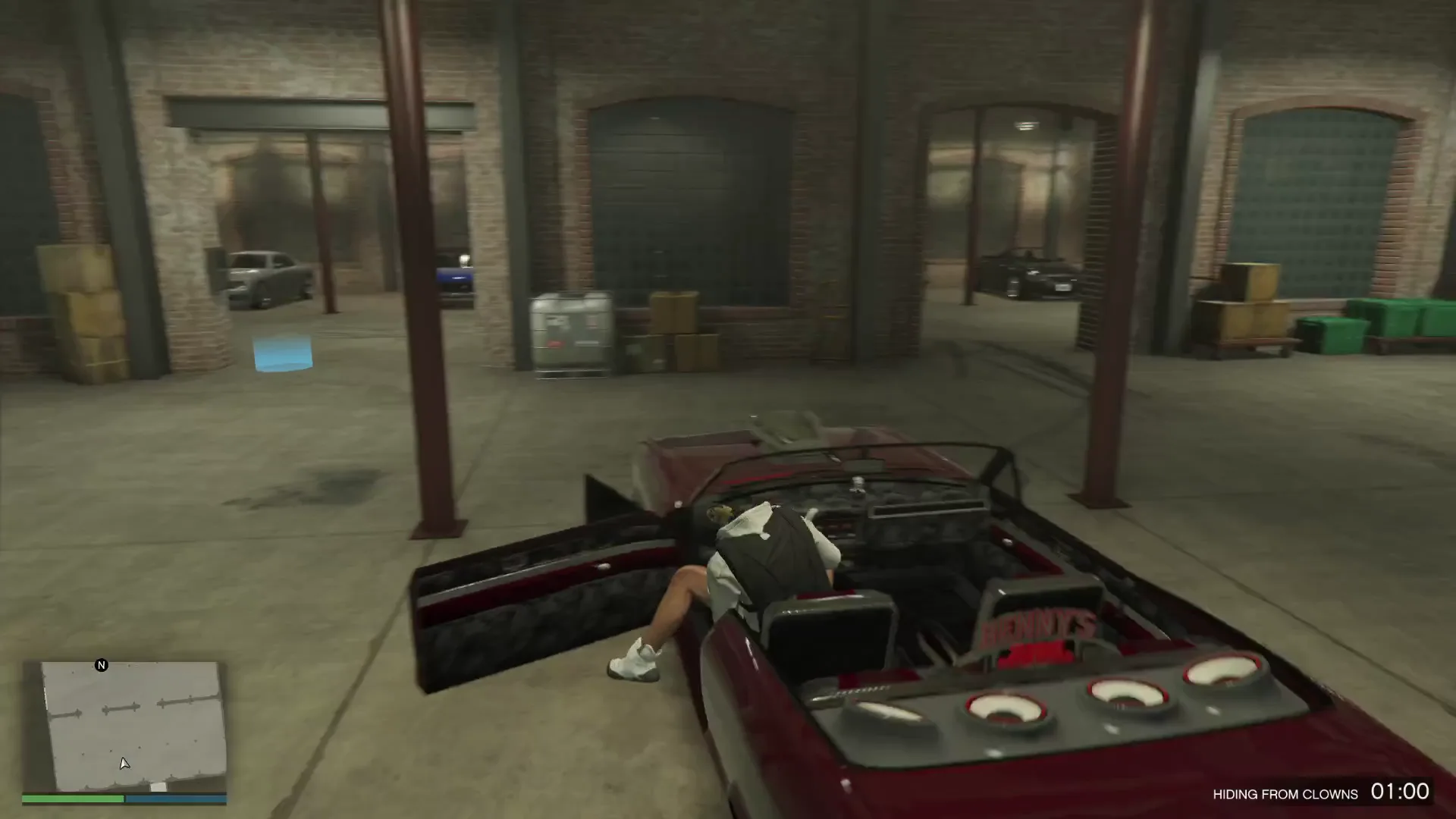
- Get into a vehicle that you wish to save as your Personal Vehicle (you can only do this from within the vehicle; simply standing next to the vehicle does not qualify).
- Launch your GTA Online mod menu, navigate to the “Vehicle” tab, and click on the “Claim Current Vehicle as PV” button.
- “Please enter a vehicle.” — You clicked on the claim current vehicle as pv button while outside of a vehicle.
- “Cannot give vehicle at this time. Are you online?” — You are either not currently logged in to an active GTA Online session, or one of the two necessary internal game scripts are not currently active (for example, you have recently spawned back into game world but have yet to complete initialization).
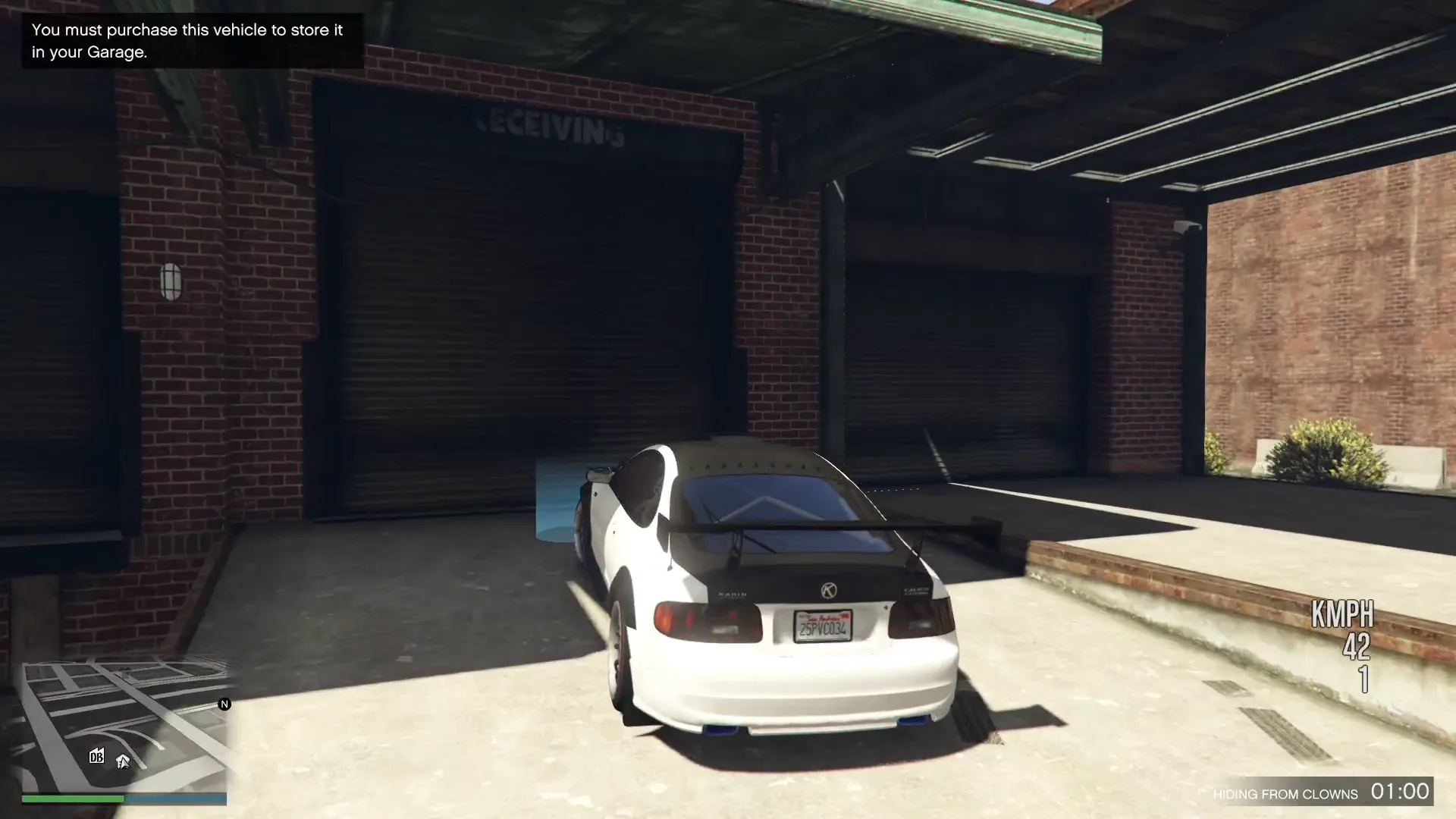
- “This vehicle cannot be saved as a personal vehicle.” — Your current vehicle is one that GTA V’s built-in logic prevents users from converting into their Personal Vehicle. The comment within this line of code further explains why the system doesn’t attempt to circumvent this restriction – since changing this would likely involve modifying even larger parts of GTA V’s logic and the resulting Personal Vehicle would immediately disappear upon removal of those patches.
Overall Architecture
From a high level, this Lua script adds a single GUI button entitled “Claim Current Vehicle as PV,” under a “Vehicle” tab within the mod menu’s GUI. Each of the items remaining in the file exist solely to assist that singular button click – verify that such an action is feasible, locate the proper in-memory data structures, and repeatedly invoke the game’s own vehicle-reward logic until the action is successfully completed, or failed. There are four primary sections within the organization of the script:- Constant definitions describing the offsets into the game’s internal data structure(s).
- Two Wrapper Functions calling named internal script functions within the game.
- Polling Routine, called
RUN_SCRIPT, that causes the actual reward process to be performed on each frame. - Script Registration Loop & GUI Button ties everything together exposing it to the end-user.
Constants: Describing Memory Layouts
local GARAGE_MENU_DATA = 195
local VEHICLE_REWARD_DATA = 148
am_mp_vehicle_reward). The comments adjacent to these numbers (strings of hexadecimal-like tokens separated by question marks) identify what is known as signature patterns, a commonly employed method when utilizing memory scanning tools to find a specific variable or function in a compiled script once the game has received an update changing where things reside. As opposed to defining an absolute address that may break upon receiving an update, these signatures utilize a search algorithm to locate a recognizable byte pattern, and derive their respective offsets based upon said location. Therefore, these values are less likely to be broken due to updates compared to raw addresses.
Specifically, VEHICLE_REWARD_DATA represents not a single value — rather, it serves as an initial offset with +4, +5, +6, and +7 appended thereto in order to access four additional related values including: transaction results, garage IDs, garage slots, and reward states. These represent classic examples of a struct like collection of interrelated values located adjacently within memory. The script reads/writes individual field values contained herein.
Calling into the Game’s Internal Functionality Twice
IS_VEHICLE_VALID_FOR_PV
local function IS_VEHICLE_VALID_FOR_PV(vehicle_hash)
return scr_function.call_script_function("freemode", "IVVFPV", ...)
end
freemode script (which is responsible for running the online mode), and utilizes a tag (IVVFPV) to identify said function. Additionally, an integer value representing the vehicle’s model hash is passed as an argument. The game itself determines, based upon its own internal rules, whether or not the provided vehicle model is eligible to become a PV in general. Although it could potentially be forced saved regardless of eligibility, doing so would require modifications to numerous other scripts. Even so, doing so would merely result in deletion of the vehicle should the modifications be subsequently removed. Due to the potential fragility associated with providing such functionality, the author determined that implementing such functionality was unnecessary.
GIVE_VEHICLE_REWARD
local function GIVE_VEHICLE_REWARD(vehicle_id, data, transaction, garage, slot, state)
return scr_function.call_script_function("am_mp_vehicle_reward", "GVR", ... )
end
GVR) existing within am_mp_vehicle_reward script (same internal system used by the game to award players legitimate personal vehicles post-mission/purchase) by invoking said function. In addition to passing an entity reference for the vehicle, references for various data structures used for tracking menu transactions/garages/slots/states along with several boolean flags (commented as – ??? indicating they’re partially unknown) are also passed. Of the flags’ purposes that are understood: one flag denotes the vehicle as the player’s “Last PV” (the vehicle they will spawn into by default); another indicates whether an error message should appear if the process is cancelled.
When handing over a vehicle there is no one atomic operation from the games point of view — it is simply a very small State machine that goes through several frames to resolve the transaction, assign the garage slot and advance the reward State towards being completed. Hence run_script doesn’t just make a single call to give_vehicle_reward and be done with it. Instead, run_script will get called repeatedly every frame (due to the usage of script.register_looped), reading the current pointers again and again calling give_vehicle_reward again until should_run_script becomes false.
The Exit Conditions Show This
Lua
If locals.get_int("am_mp_vehicle_reward", VEHICLE_REWARD_DATA + 7) ~= 3 then
The Final Block
The final block of this script is likely what the average user will see — a vehicle_tab:add_button call made into a fiber (a type of cooperative multithreaded execution environment within which many mod menu development environments create their scripts to run while awaiting something from the game). Prior to making any calls, it performs an entire series of sanity checks: is the player currently logged into an online session? Are we currently executing a version of the relevant game script? Are you currently seated in a vehicle? And are you currently seated in a vehicle of that exact model which can become a PV. If all of these checks pass, it flips should_run_script to true so that the rest of the looped routine can execute; otherwise, it displays a very specific, easy-to-understand error message using gui.show_error.How Much Does This Reveal About the Tooling?
While the script shows how to implement a vehicle-specific feature, the design pattern demonstrated here is typical of this class of mod menu tooling. Rather than manufacturing entirely new fake game states from whole cloth, they find existing functions and layout patterns in the game itself, and invoke/monitor them as the legitimate game code would do. All of the hard work — validation, transaction management, garage slot bookkeeping — is still performed by the game; the script simply needs to locate the correct hooks, supply validly typed parameters and watch the State machine evolve until it comes to equilibrium. This may seem like a simple script, but it includes several components such as memory scanning for patterns, navigating offsets in structs, invoking functions from other scripts, and a frame-based Polling State machine — a relatively comprehensive mini-case study about how such tools are built.Thanks to Dev – #ShinyWasabi For Sharing the Tool