

FSL (Force Save Loader): An In-Depth Technical Guide to Modding Your GTA Online Saves Locally
Updated: July 2026 | Estimated Read Time: 8 minutesDISCLAIMER: This guide is strictly for informational purposes. Using a force-save loader and mod menus will violate the Terms of Service by Rockstar Games. As such, using one can lead to your account being permanently banned.
What is a Force Save Loader?
A Force save loader (also known as FSL or Force Save Local) is a high-end DLL-based tool for Grand Theft Auto V that changes how the game handles its online saves. Unlike other mod menus which simply inject code into running processes, a force-save loader operates at a deeper level of operation and intercepts and redirects the game’s save data operations from Rockstar’s cloud servers to the user’s hard drive on their computer. A force save loader functions as a proxy layer between GTA V and Rockstar’s official server. While active, all of your GTA Online character data including progress, vehicles, properties, and money are saved/loaded off of the user’s hard drive instead of being saved/loaded from Rockstar’s official servers. The technical concept of FSL utilizes DLL proxying techniques to “hide” itself as legitimate Windows system DLL files (version.dll or WINMM.dll) so GTA V will load it before any actual gameplay occurs.
Operation of FSL: Technical Explanation
Architecture of FSL
A force save loader operates through a technique called DLL hijacking or DLL proxying. Below is a detailed explanation of how it operates:- Layer of Intercepting: FSL masquerades itself as a valid Windows DLL file (typically
version.dllorWINMM.dll) that GTA V attempts to load during initialization. - Installation of Hooks: Once loaded into memory, FSL installs hooks into critical parts of the game responsible for network communication and serialization of save data.
- Redirection of Traffic: When GTA V makes calls to communicate with Rockstar’s save servers, FSL redirects these API calls to perform local file I/O operations instead.
- Emulation of Saving: FSL tricks the game into believing that it has successfully connected to and synchronized with official servers by simulating responses from the official servers.
- Storage of Local Data: All of the user’s character data, inventory items, vehicles, etc., are stored in the user’s
AppDatadirectory via file I/O operations.
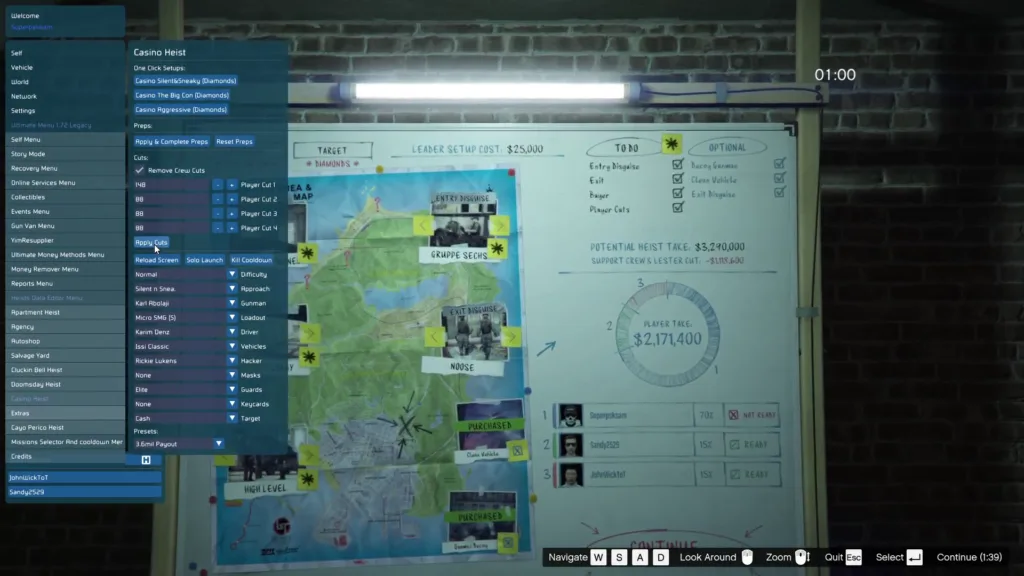
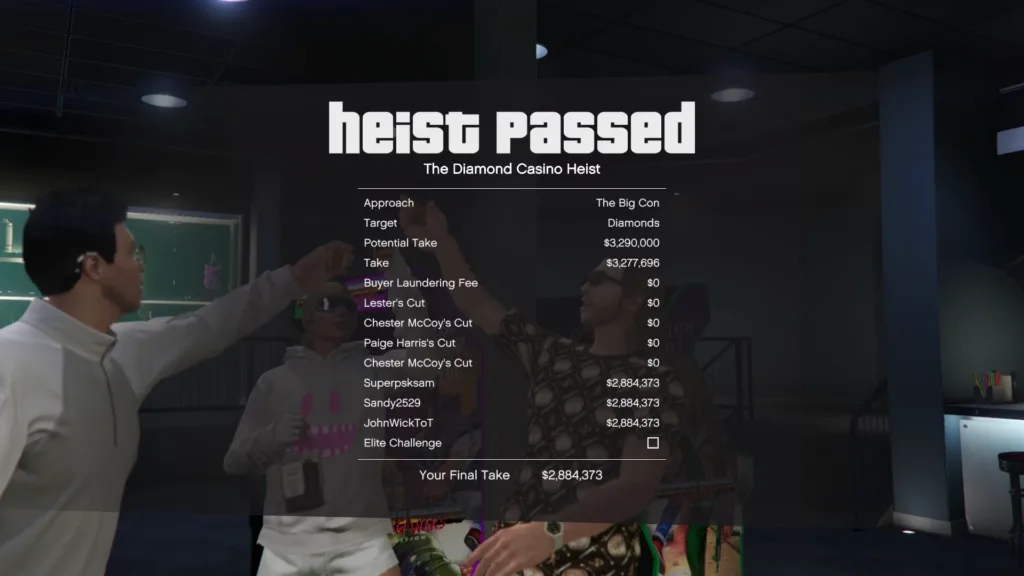
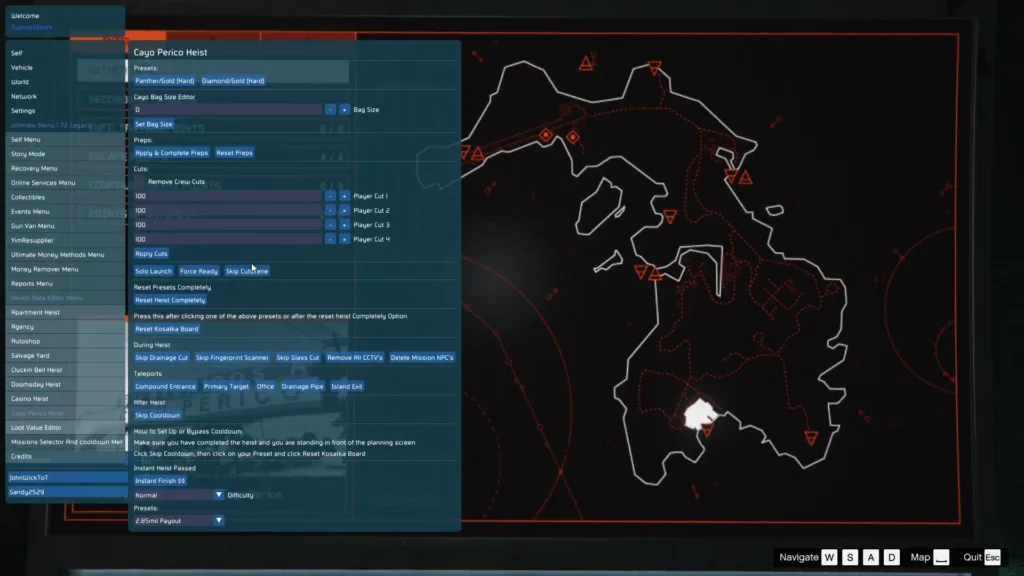
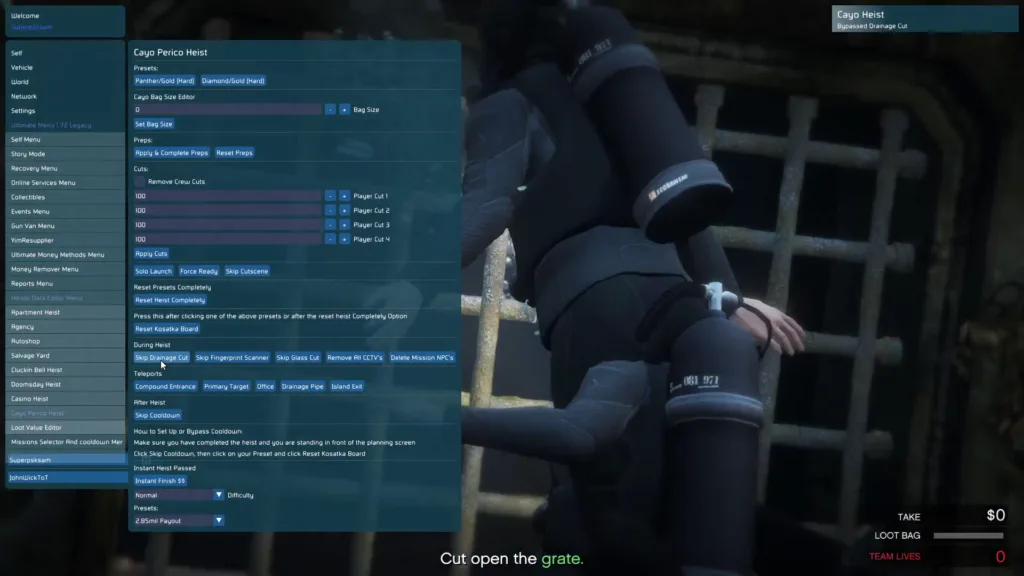
In-Game Screenshots
🎬 Video Guide
Please make sure to removeversion.dll from the game directory if it exists!
FSL
A tool that allows you to store your online save data locally, gain infinite money, and much more!Setup
Download theWINMM.dll file and place it in your GTA folder. Turn off BE under SC settings otherwise FSL will not load. FSL should now load automatically whenever the game starts. Remove the “_unknowncheats_” part from the DLL so it is just called WINMM.dll.
Saves
FSL will attempt to download your actual online save file when no local saves are found. All subsequent save and load requests will be redirected to your local hard drive. This means that your save data isn’t stored in Rockstar’s servers anymore; you would use your actual online save when you disable FSL, and your local save when you enable it again. All save data files are stored in%APPDATA%/FSL. While the tool creates backups regularly, you are strongly advised to maintain your own backups in a safe location. Be aware that everything inside %APPDATA% will be wiped during a Windows reset.
Money
Cheat codes can now be entered by pressing the tilde (~) key while in an online session. FSL accepts the following codes:- 1M: Adds $1M
- 10M: Adds $10M
- 100M: Adds $100M
- 1B: Adds $1B
- 10B: Adds $10B
Settings
FSL now generates a configuration file at%APPDATA%\FSL when you load it for the first time. Edits to this file require a game restart to apply. Some settings might depend on others; for example, you can’t enable GTA+ or use money cheat codes without enabling local saves first.
API (for Developers)
FSL 2+ includes an API that allows other mods to interface with it easier. Current functions include (more will be added later):int LawnchairGetVersion(); // gets FSL version
bool LawnchairIsProvidingLocalSaves(); // returns true if local saves are enabled
bool LawnchairIsProvidingBattlEyeBypass(); // returns true if battleye bypass is enabled
GetModuleHandleA to find WINMM.dll, and then use GetProcAddress and cast the result to the proper function type.
Frequently Asked Questions
Is this safe?
This should be (nearly) undetectable since your saves never reach Rockstar’s servers. That doesn’t stop them from trying to sig this tool, so it is recommended to load a menu with a working anti-cheat bypass whenever you go online.Can I edit my saves?
There are no tools to edit save files yet. You can, however, use CodeWalker to view them.I removed FSL, and the money I added disappeared!
This is because FSL stores your online save data locally on your hard drive. Re-enable FSL to load your modded save again.Can I bypass my ban with this?
While previous versions of FSL allowed you to bypass bans and play online with cracked game copies, this is no longer possible. Clients now require a P2P certificate signed by Rockstar to attest game ownership and ban status. You might still be able to play in solo sessions if you’re banned, but this has not been tested.Can I share my save files with other people?
Yes.How can I verify if FSL is loaded?
If FSL is loaded correctly, you will see “(with FSL)” next to the online version in the legals screen. If you do not see this, FSL might be outdated or not loaded correctly.Mechanism for Bypassing BattlEye
As a result of BattlEye anti-cheat software being introduced in GTA Online, FSL requires that BattlEye be disabled. FSL does not “bypass” BattlEye in the traditional sense of evading detection. Rather, FSL requires that BattlEye be completely turned off (via settings within Rockstar Launcher). This is because BattlEye monitors process memory & DLL injections — both actions would detect and block FSL’s actions. Important: FSL is not a BattlEye bypass in the traditional kernel-level sense. It only needs BattlEye to be disabled to function — thus making it unusable in standard GTA Online sessions where anti-cheat verification is required.What Can FSL Do?
After successful injection and activation of FSL, users have several abilities that would normally be impossible in standard GTA Online:- Editing Saves on Your Own PC: Directly edit character stats, money levels, and unlockables through file editing.
- Unlimited Money Generation: Generate unlimited amounts of money in the game by activating cheat codes and editing saves.
- Play GTA Online Features Offline: Allow users to play GTA Online features without needing to connect to Rockstar’s servers.
- Recover Account: Access GTA Online features on suspended/banned accounts (only available in solo sessions).
- Manage Your Saves: Instantly swap between multiple character saves.
- Compatibility with Mod Menus: Compatible with mod menus such as YimMenuV2 for additional functionality.
Thanks to Dev – #AdventureBox For Sharing the Tool